FAB Prepaid Card Inquiry: Complete UAE Guide
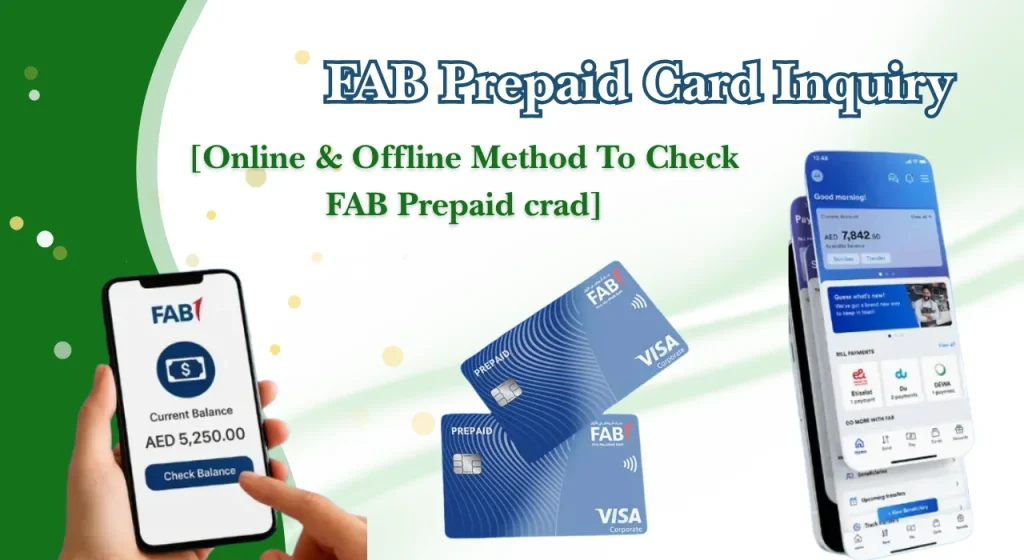
If you are looking for a fab prepaid card inquiry, the easiest way to start is by checking your available balance and recent transactions through an authorised digital or offline channel.
For many cardholders, the main question is simple: how can I check my FAB prepaid card balance quickly? Depending on the card type, you may be able to use an online prepaid card enquiry service, mobile banking, an ATM, or another supported channel.
Khaleej Buzz explains the main prepaid card inquiry fab options, how to troubleshoot common problems, and how to manage your card safely while living in or visiting the UAE.
FAB Prepaid Cards – Overview
A prepaid card can be useful in the UAE because it may allow cardholders to make purchases and, where supported, withdraw cash without carrying large amounts of physical money.
What Is a Prepaid Card?
A prepaid card is a payment card that uses money loaded onto the card rather than a traditional credit facility. You can generally spend only the amount available on the card, making it useful for controlled spending.
Some prepaid cards are designed for salaries, while others are intended for payments, government services or specific purposes. The available features can differ according to the card programme and its terms.
Types of Prepaid Cards Available in the UAE
Prepaid cards are not all the same. The features available to you depend on the specific card you hold.
Common categories include:
For example, a salary prepaid card can allow eligible employees to receive wages without opening a conventional bank account. The current salary-card service is designed for employees earning up to AED 5,000.
Who Can Use Prepaid Cards in the UAE?
Eligibility depends on the card programme. Some prepaid products are designed for employees, while others are available to individuals, companies or users of particular government services.
One useful point for UAE residents is that certain prepaid cards do not require a conventional bank account. For example, the current salary prepaid card service allows eligible employees to receive salaries directly on the card.
If you are a tourist or short-term visitor, do not assume that a salary or resident-focused prepaid card is available to you. Check the eligibility rules for the specific product.
FAB Prepaid Card Inquiry: All Balance Check Methods
There are several ways to perform a fab bank prepaid card inquiry, but the exact options depend on the prepaid card you hold.
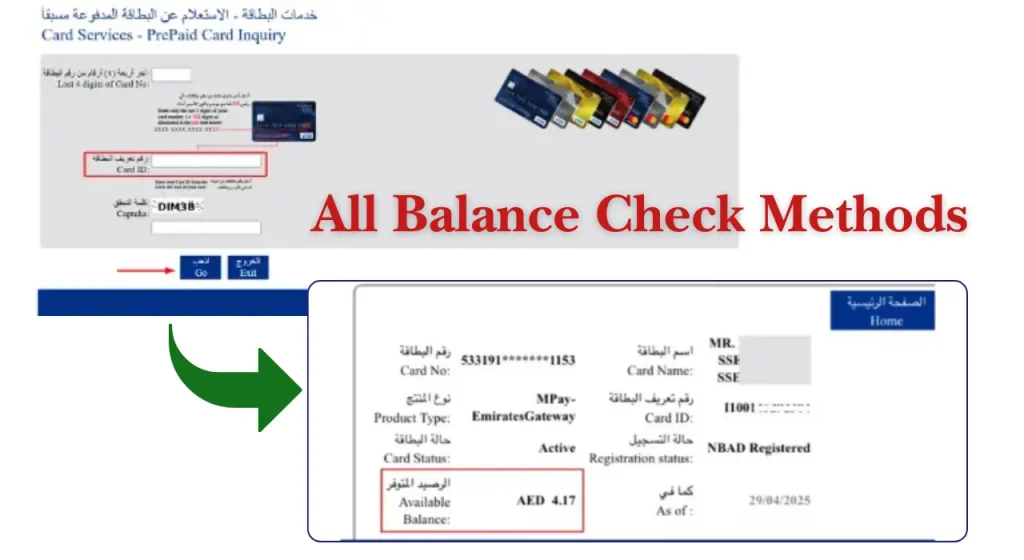
Online Prepaid Card Inquiry Portal
For supported payment prepaid cards, an online balance enquiry service is available. The official prepaid card information states that cardholders can access the online balance enquiry service.
When using an online service:
- Open the official prepaid card enquiry page.
- Enter the requested card information.
- Complete any security verification.
- Submit the enquiry.
- Check the displayed balance or transaction information.
Always make sure you are using an official website before entering card information.
Mobile Banking App
For eligible prepaid cards, mobile banking can provide a convenient way to manage or load the card. Current official information confirms that certain prepaid cards can be loaded or reloaded through the mobile app.
If your prepaid card is supported by the official mobile banking app, you may be able to manage the card and access available balance or transaction information from your phone.
After signing in:
Online Banking Website
Online banking may also support prepaid-card services for eligible products. This can be useful if you are using a laptop or desktop instead of a mobile phone.
The available functions vary by card type, so do not assume every prepaid card will appear in the same banking dashboard.
Digital Wallet App
Some prepaid-card programmes support digital wallet services for loading or managing funds. Official information currently lists wallet-based loading for certain prepaid products.
If you use a digital wallet, check that your card is eligible before attempting to add or reload it.
ATM Balance Inquiry
An ATM can be useful when you are already outside and need to check your funds before making a payment.
Where ATM balance enquiry is supported:
- Insert or tap your card as instructed.
- Enter your PIN.
- Select the balance enquiry option.
- Review the displayed balance.
- Take your card and receipt if provided.
ATM services can vary by card and machine, so check the instructions shown on screen.
SMS Balance Check
SMS services may be available for particular prepaid or salary card programmes. However, this is not a universal method for every prepaid card.
If your card supports SMS enquiries, follow the exact instructions provided by the official card service. Never send your PIN, OTP, password, or other sensitive information to an unknown number.
Customer Service Balance Inquiry
If digital methods do not work, customer service can help identify whether the issue is related to your card, balance, account access or service availability.
Before calling, keep your card nearby and note any error message you received. Never share your PIN or one-time password with another person.
Visiting a Branch
A branch can be useful when your issue cannot be resolved online or through an ATM. This is particularly helpful if your card has been blocked, your personal information needs updating, or you need assistance with a card-related request.
Take the required identification and your card with you where applicable.
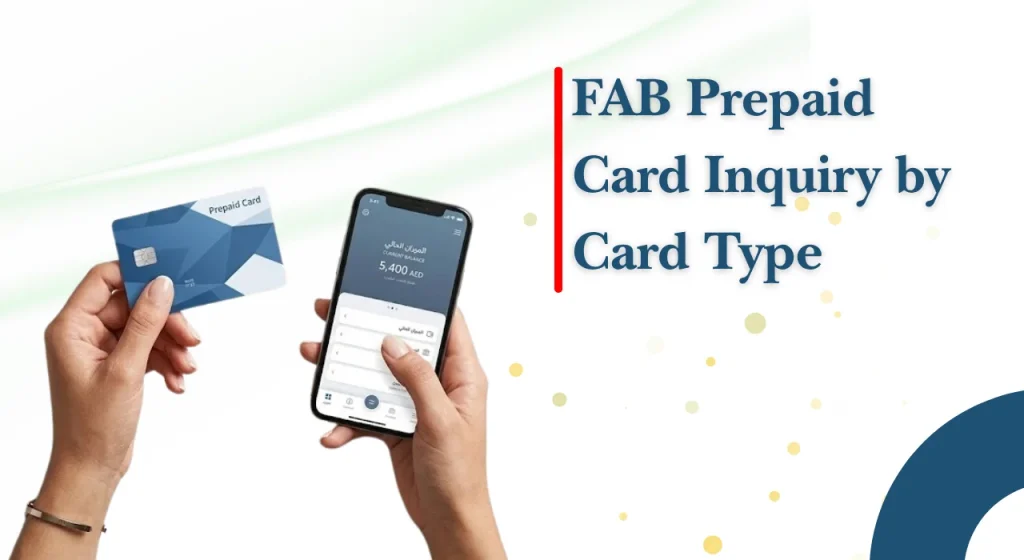
FAB Prepaid Card Inquiry by Card Type
Whether you use a salary card or another prepaid card, knowing your card type helps you choose the correct FAB prepaid card inquiry option and avoid unnecessary delays.
Prepaid Card Balance Check
The correct balance-checking method depends on your specific prepaid product. Some cards provide an online enquiry service, while others may rely more heavily on mobile banking, ATMs or dedicated services.
Do not use another cardholder’s instructions without checking that your card is the same type.
Salary Card Balance Check
Salary cardholders can check their available funds after their employer’s salary payment has been processed.
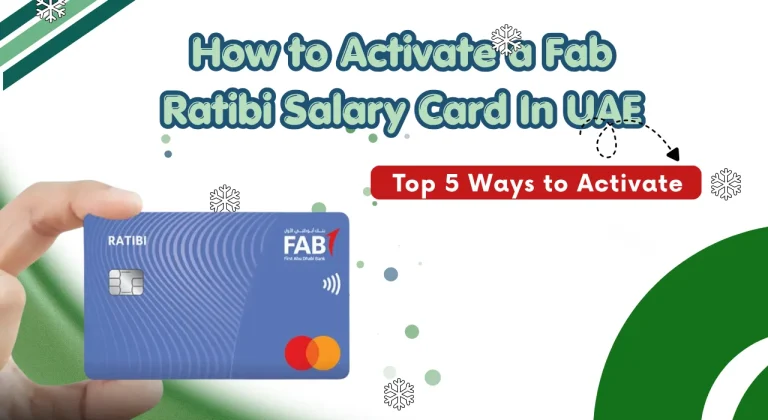
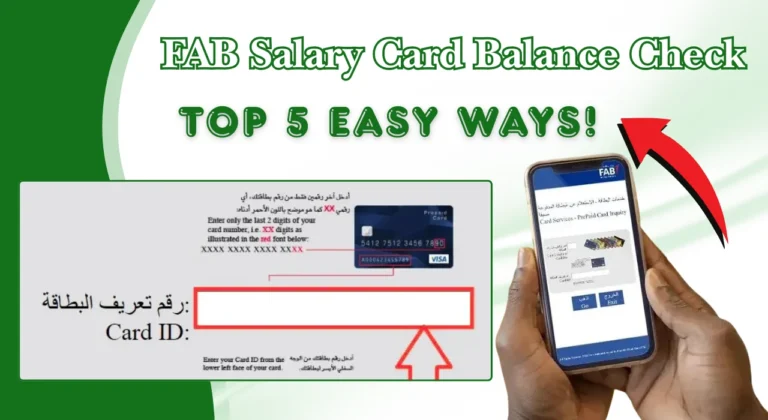
If you are searching for a Ratibi check online, use the official balance enquiry option associated with the salary card rather than a general banking balance page. The current salary-card service provides a dedicated balance enquiry facility.
Salary Card and Prepaid Card Inquiry
A salary card is a type of prepaid card, but not every prepaid card is a salary card. This difference matters when searching for the right balance service.
For example, salary cards can be connected to payroll arrangements, while other prepaid cards may be designed for payments or government services.
Other UAE Salary Card Balance Checks
The UAE has several salary-card and prepaid-card programmes. If you are checking another card, use its official enquiry service.
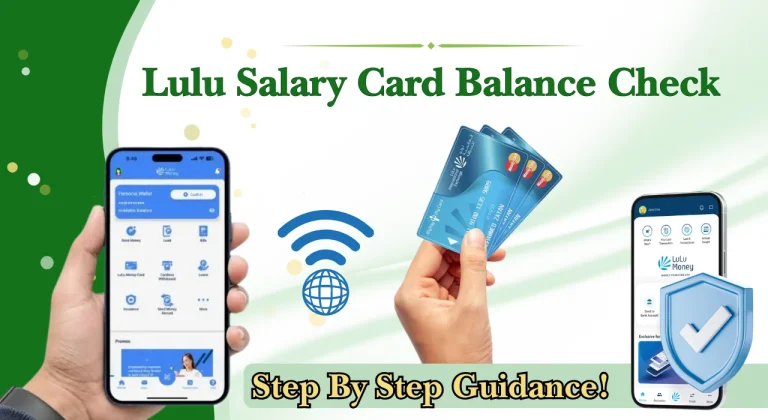
Searches such as Lulu balance check or Nol card balance refer to different services and should not be confused with a prepaid-card balance enquiry.
FAB Prepaid Card Inquiry Quick Reference Table
| Method | Internet Required | Best For |
| Online enquiry portal | Yes | Quick balance checks |
| Mobile banking | Yes | Card management and supported services |
| Online banking | Yes | Desktop users |
| Digital wallet | Usually | Supported prepaid products |
| ATM | No | Checking while travelling |
| SMS | No | Supported card programmes |
| Phone or IVR | No | Users without internet access |
| Customer service | No | Troubleshooting |
| Branch | No | More complex card issues |
The exact availability of each method depends on your prepaid-card type and the services currently offered.
FAB Prepaid Card Balance Online Check
Learn 4 easy ways to check your FAB Prepaid Card Balance online in UAE.
1. Through the Online Portal
The online portal is a quick way to check your prepaid card balance from your phone or computer.
2. Using the Mobile App
The mobile app is useful when you want to check your card while travelling or managing your daily expenses in Dubai.
3. Through Online Banking
Online banking is a convenient choice if you prefer using a laptop or desktop computer.
4. Using a Digital Wallet
Some prepaid cards can be managed or reloaded through supported digital wallets.
Prepaid Card Balance Check Offline
These methods are useful when you are travelling, away from Wi-Fi, or facing an issue with online services.
ATM Balance Inquiry
An ATM can be a practical option when you are outside and do not have mobile data. If supported, use the balance enquiry option after entering your PIN.
SMS Balance Request
SMS enquiries can be convenient for supported cards, particularly when you have a basic mobile phone or limited internet access.
Use only the official SMS format and number provided for your card.
Phone or IVR Inquiry
Telephone banking can help when online services are unavailable. Follow the automated instructions carefully and keep your card information ready.
Branch Balance Inquiry
Visit an appropriate branch if you need assistance with a card problem that cannot be resolved through digital channels.
Exchange House Balance Inquiry
Some card programmes have relationships with distribution or payment channels. Availability varies, so check before visiting an exchange house.
Benefits of Using a Prepaid Card in the UAE
Prepaid cards can make everyday spending easier and help users manage their money more carefully. Here are five simple benefits:
Common FAB Prepaid Card Inquiry Problems and Solutions
| Common Problem | Possible Reason | Simple Solution |
| Online Portal Not Loading | Internet issues, browser problems, or temporary service maintenance. | Check your internet connection, refresh the page, and try again later. You can also use another official balance-checking method. |
| Card Number or ID Not Accepted | Incorrect card details, extra spaces, or typing errors. | Recheck your card number or required ID details. Enter the information exactly as requested. |
| Balance Not Updated | A recent salary payment, recharge, or transaction may still be processing. | Wait and check again later. Keep your salary or recharge confirmation if you need to contact support. |
| Mobile App Login Problems | Incorrect login details, outdated app, or temporary technical issue. | Update the official app, check your login details, and try again. Never share your password or OTP. |
| Card Blocked or Error Message | Incorrect PIN attempts, security restrictions, or card-related issues. | Stop entering incorrect PIN details and contact the official support service for assistance. |
| Salary Not Showing on Card | Your employer may not have completed the salary transfer, or the payment may still be processing. | Confirm the payment with your employer first. If it was already processed, contact the relevant card or payroll support service. |
Smart Ways to Manage Your Prepaid Card
A few simple habits can make everyday card use safer and more convenient.
Enable Account Alerts
Alerts can help you keep track of payments and incoming funds without manually checking the card throughout the day.
Recharge Before Your Balance Runs Low
If you rely on the card for daily expenses, check the balance before travelling or making a large purchase.
Monitor Transactions Weekly
A quick weekly review can help you identify unfamiliar payments and keep your spending under control.
Keep Card Details Secure
Never share your card number, PIN, OTP or login details through an unverified website, message or phone call.
Use the Card for Everyday Budgeting
Set a spending plan for food, transport, shopping and other daily costs. Checking your available balance regularly makes it easier to stay within that plan.
Why Prepaid Cards Are Popular in the UAE
Prepaid cards are useful for everyday spending, salary payments, and better money management in the UAE. Some key benefits include:
Conclusion
A fab prepaid card inquiry is mainly about checking your available balance, confirming recent transactions and making sure your card is ready for everyday use. The most convenient option may be an online enquiry service, while mobile banking, ATMs, phone support and branches can provide alternatives depending on the card type.
FAQs
How Can I Check My Prepaid Card Balance Instantly?
Use the official online enquiry service if your card supports it. You may also have access to mobile banking, ATM or other supported options.
Can I Check My Prepaid Card Balance Through a Mobile App?
Yes, selected prepaid-card services can be managed through the official mobile app. The available functions depend on your card type.
Why Is My Prepaid Card Inquiry Not Working?
Common reasons include incorrect card details, temporary service problems, login issues or an unsupported enquiry method. Check your details and try another official channel.
Are Prepaid Cards Accepted Internationally?
Some prepaid cards support international purchases or withdrawals, while others have more limited usage.
What Should I Do If I Lose My Prepaid Card?
Contact the official card support service as soon as possible and ask about blocking or replacing the card.
Do I Need a Bank Account to Get a Prepaid Card?
Not necessarily. Certain UAE prepaid products are designed to work without a traditional bank account. Eligibility depends on the particular card.