EVG Fine Check UAE 2026: How to Check, Pay and Manage Traffic Fines Online
Getting a traffic fine in the UAE can happen even when you are not aware of it immediately. Speed cameras, parking rules, lane violations and other traffic offences can add fines to your vehicle or traffic file.
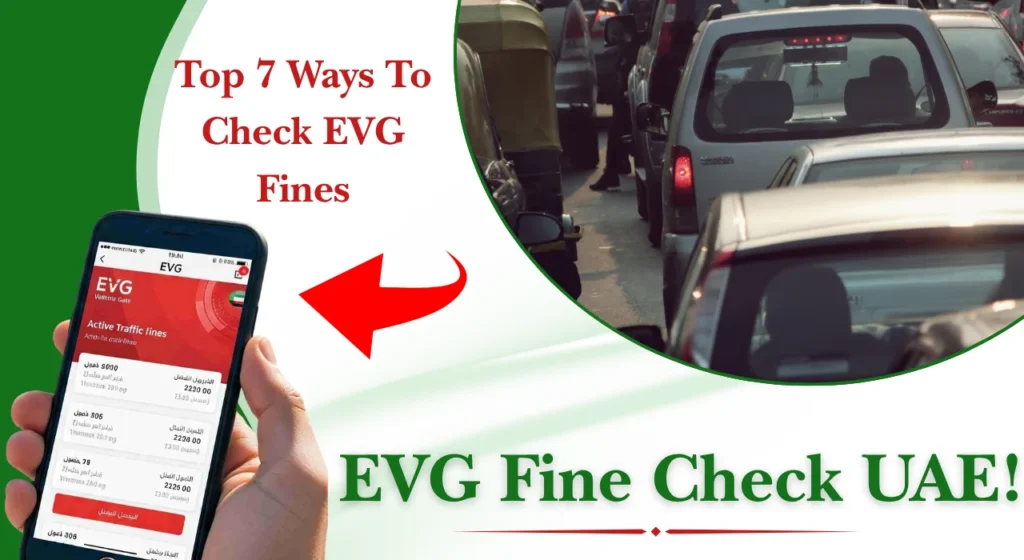
An EVG fine check gives drivers a convenient way to review traffic fines and, where supported, pay them online. The UAE Government lists the Emirates Vehicle Gate among the official digital channels for checking and paying traffic fines, alongside federal and emirate-level services.
This Khaleej Buzz 2026 guide explains the main checking methods, required information, payment process, common problems and useful tips for UAE drivers.
What Is EVG Fine Check in the UAE?
EVG fine check refers to checking traffic violations recorded against a vehicle or traffic file through the Emirates Vehicle Gate and connected government services.
Depending on the service and emirate, you may be able to search using details such as your plate information or traffic file number. The result can show information about an outstanding violation, including its amount and other available details.
Who Should Use EVG Fine Check?
EVG fine check can be useful for UAE residents, citizens, visitors and vehicle owners who need to confirm whether traffic violations are recorded against them.
It is particularly helpful before:
Top 7 Ways To Check EVG Fines in the UAE
Drivers in the UAE can check traffic fines through several official digital channels. The available options depend on the authority that issued the fine and the type of traffic record involved.
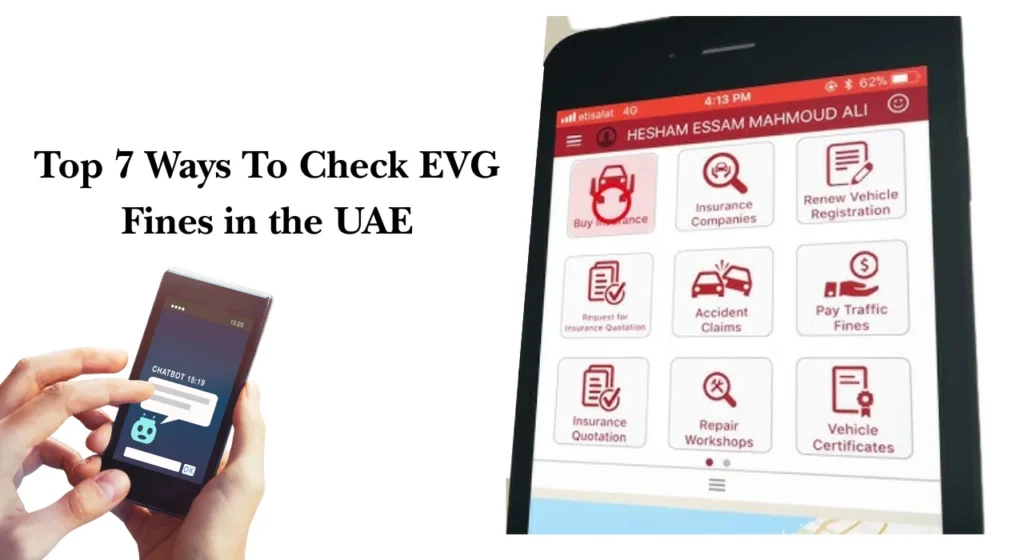
Common official channels include the Emirates Vehicle Gate (EVG), Abu Dhabi Police, Dubai Police, the UAE Government portal, and the UAE Ministry of Interior (MOI). Some services may also provide support through mobile apps, SMS, or phone.
Below are the main methods you can use to check traffic fines.
1. Check EVG Fines Through the Official EVG Portal
The Emirates Vehicle Gate is one of the online channels used to access vehicle and traffic-related services in the UAE.
Steps to check:
- Open the official EVG website.
- Select the traffic fines or fine inquiry service.
- Enter the requested vehicle, plate, or traffic information.
- Submit the details to search for available fines.
- Review the fine information, including the amount and relevant traffic details.
- If payment is available, follow the official instructions to complete it.
2. Check Traffic Fines Through Abu Dhabi Police
If your traffic fine is related to Abu Dhabi, you can use the official Abu Dhabi Police online traffic services. The website provides a dedicated service for traffic fines inquiry.
Steps to check:
- Visit the official Abu Dhabi Police website.
- Open the traffic services section.
- Select the traffic fines inquiry service.
- Enter the information requested by the system.
- Submit the details and review any fines linked to the record.
- If required, continue to the available payment or follow-up options.
3. Check Traffic Fines Through the Abu Dhabi Police App
Abu Dhabi Police also provides traffic-related services through its official mobile application.
Steps to check:
- Download or open the official Abu Dhabi Police app.
- Sign in if the service requires authentication.
- Open the traffic or vehicle services section.
- Select the traffic fines inquiry option.
- Enter or confirm the requested information.
- Review the fines displayed on your account or vehicle record.
4. Check Traffic Fines Through the UAE Government Portal
The official UAE Government portal provides information about traffic services and directs users to the relevant federal or local authority.
This option can be helpful if you are not sure which government authority handles your fine.
Steps to check:
- Visit the official UAE Government portal.
- Go to the section covering traffic, road safety, or traffic fines.
- Review the available fine-checking services.
- Select the authority relevant to your vehicle or traffic record.
- Follow the link to the official service.
- Enter the required information and check your fine details.
The UAE Government portal is especially useful as a starting point because traffic services can differ between emirates and authorities.
5. Check Traffic Fines Through the UAE Ministry of Interior (MOI)
The UAE Ministry of Interior provides online traffic services for records handled through its systems. The portal can also provide options for checking and paying eligible traffic fines.
Steps to check:
- Open the official Ministry of Interior website or its relevant traffic service.
- Select the traffic fines inquiry service.
- Enter the required vehicle, traffic file, or identification details.
- Submit the information.
- Review the fines shown in the system.
- If available, follow the instructions to pay or manage the fine online.
This method can be useful for traffic records handled through the federal Ministry of Interior system.
6. EVG Fine Check by SMS
SMS-based checking may be available for certain traffic services, but the format and availability can vary by authority and service.
Do not rely on an SMS number found on an unofficial website. Check the current instructions from the relevant government authority before sending vehicle information.
7. EVG Fine Check by Phone
Phone support can help when an online service is unavailable or when you need assistance with a payment or traffic record.
Use the current contact number published by the relevant authority rather than relying on numbers copied from third-party websites.
Which EVG Fine Checking Method Should You Use?
The best method depends mainly on which authority issued or manages the traffic fine.
Before entering any personal, vehicle, or payment information, make sure you are using an official UAE government website, application, or contact number. This helps reduce the risk of using outdated information or unofficial services.
What Information Do You Need for an EVG Fine Check?
The exact information depends on the search method. You may need your vehicle registration details, plate information or traffic file information.
Keep your Mulkiya and relevant identification documents nearby before starting the search.
Checking Fines Using Vehicle and Plate Details
Plate-based searches normally require information such as:
- Emirate of registration
- Plate category
- Plate code
- Plate number
Enter the information exactly as it appears on your vehicle registration documents.
Checking Fines Using Traffic Code or TC Number
A Traffic Code, often called a TC number, can identify a driver’s traffic record. Where this option is supported, entering the correct traffic code can help retrieve fines connected with that record.
If your search produces no result, check that the number was entered correctly before trying another method.
Checking Fines Using Other Available Identification Details
Some services may offer additional search methods. These can include licence or vehicle-related information depending on the authority.
The fields shown on the official service should always be treated as the current requirements.
How to Check EVG Fines Online Step by Step
The exact screen names can change, but the general process is straightforward.
1. Open the Official Online Service
Start with the official EVG or relevant government traffic service. Check the website address before entering personal or payment information.
2. Select the Traffic Fine Inquiry Service
Choose the option for traffic fines, violations or fine inquiry. Make sure you are using the service for the correct vehicle or traffic record.
3. Sign In or Continue Without an Account
If login is required, use the available digital identity method. If a quick search is offered, you can use it when appropriate.
4. Enter Your Vehicle Information
Enter your plate details, traffic code or other requested information. A small typing error can produce an incorrect result.
5. Submit the Search
Review the information once more and submit the inquiry. Allow the system a moment to retrieve the available records.
6. Review Your Fine Details
Check the violation date, location, amount, status and any other information shown.
7. Confirm the Fine Information
Before paying, confirm that the fine belongs to your vehicle or traffic record. Save a screenshot or reference number if you need it later.
How to Pay EVG Fines Online
After checking an outstanding fine, eligible payments can generally be made through the available official online service.
The usual process is:
- Select the outstanding fine.
- Review the amount and violation details.
- Choose the payment option.
- Enter the required payment information.
- Confirm the transaction.
- Wait for the payment confirmation.
- Save the receipt or reference number..
What If You Cannot Pay Your Fine Immediately?
If you cannot pay immediately, check whether the relevant authority offers an approved payment arrangement, instalment option, discount or other facility.
Do not assume that every fine qualifies. The available options depend on the authority, violation and current rules.
EVG Traffic Fine List in the UAE
UAE traffic penalties vary according to the type and seriousness of the violation. A fine may also involve black points, vehicle impoundment or other consequences.
The official UAE traffic regulations provide detailed violation and penalty information.
Common UAE Traffic Violations and Penalties
Common violations include:
| Violation type | Possible consequence |
| Speeding | Fine and, for serious offences, additional penalties |
| Dangerous driving | Fine, black points or other action |
| Mobile phone use while driving | Fine and possible black points |
| Parking violations | Fine |
| Lane-related violations | Fine and possible black points |
| Vehicle registration issues | Fine and possible administrative action |
Always check the current official penalty schedule because rules and penalties can change.
Common EVG Fine Check Problems and Their Solutions
EVG and other government traffic systems may sometimes experience delays or technical issues. If a problem occurs, try the official service again later or use another government channel.
No Fine Record Found
If no fine appears, first check that your vehicle or plate details are correct. Recent violations may take some time to appear, so check again later if necessary.
Fine Details Are Not Updated
Recent fines and payments may not be reflected immediately. Give the system some time to update, and contact the relevant authority if the information remains incorrect.
Online Portal Is Not Working
If the website does not load, check your internet connection and try again later. You can also use another official government service, but avoid unofficial websites when entering personal or payment information.
Payment Failed
Check your card details and available balance before trying again. If money was deducted but the fine still appears unpaid, do not make another payment immediately; keep the transaction reference and contact the relevant authority.
Incorrect or Duplicate Fine
If the fine amount or details appear incorrect, check the violation information carefully. If the same fine appears more than once, contact the issuing authority before making another payment.
Is EVG Fine Check Free in the UAE?
Checking traffic fine information through official government services is generally provided as a digital government service, although specific payment or related service charges may apply in some circumstances.
Always review the amount shown before confirming a transaction.
Can Tourists Check Traffic Fines in the UAE?
Visitors may need to use the traffic authority or vehicle-related service connected with their rental or vehicle record.
If you are driving a rental car, contact the rental company when necessary because the violation may initially be linked to the vehicle rather than directly to your personal account.
What Happens If You Do Not Pay UAE Traffic Fines on Time?
Unpaid fines can cause problems when completing certain vehicle or driving-related government transactions. The UAE Government notes that traffic fines may need to be settled for driving licence renewal.
The consequences depend on the type of violation and applicable rules, so it is better to check and settle legitimate fines promptly.
Traffic Fine Checking and Payment Tips for UAE Drivers
For easier record keeping:
For drivers who manage several UAE services, it can also help to keep your records organised. For example, you may separately use RTA Fine check, Ratibi balance check, or UAE Salary check services for other personal and financial needs. These are separate services and should not be confused with traffic fine records.
EVG Fine Check Contact and Support Options
| Contact Method | Details | Best For |
| EVG Customer Support | 600 588 888 | EVG fine and service-related assistance |
| [email protected] | General EVG inquiries and support |
| Official EVG Portal | Contact/support section | Online service and technical issues |
Conclusion
An EVG fine check is a useful way for UAE drivers to keep track of traffic violations and manage outstanding payments. You can use the appropriate online government service, local traffic authority or other officially supported channel.
Always check the fine details before paying, keep your receipts and use official websites for sensitive information. If a fine looks incorrect or a payment does not update, contact the authority responsible for the record instead of making another payment immediately.
FAQs
How Can I Avoid Getting Traffic Fines in the UAE?
Follow speed limits, obey lane and parking rules, avoid phone use while driving and maintain your vehicle properly. Paying attention to road signs is also important.
How Can I Check Traffic Fines in Sharjah?
Use the official traffic service available for Sharjah or a federal service that supports the relevant record. The UAE Government provides links to traffic fine channels for different emirates.
How Can I Check an Abu Dhabi Plate Fine?
You can use the official Abu Dhabi traffic fine inquiry service and enter the required vehicle or plate information. The current official service includes traffic fines inquiry among its public e-services.
How Long Does It Take for Traffic Fines to Show Online?
It depends on the violation and the authority’s system. Recent violations may take time to appear, so check again later if necessary.
Can Tourists Check EVG Fines in the UAE?
Yes, visitors may be able to check a fine depending on the vehicle and service used. Rental vehicle users should also check with their rental company if required.
What Happens If I Do Not Pay EVG Fines on Time?
Unpaid traffic fines can affect some vehicle and driving services. It is safer to review the fine and settle it through an official channel when payment is due.