FAB Bank Balance Check Online: Online, Mobile App & Other Easy Methods
Checking your FAB balance is useful when you want to confirm your salary, track daily spending, or make sure enough money is available for bills and transfers.
FAB customers in the UAE can use digital banking, ATMs, prepaid card services, and customer support, depending on the type of account or card they have.
Khaleej Buzz explains the main FAB Bank balance check methods, including salary accounts, Ratibi cards, prepaid cards, ATMs, SMS services, and online banking.
Quick FAB Bank Balance Check Summary
The best balance-check method depends on your FAB product.
| Method | Best for | Internet needed? |
| FAB Mobile | Bank accounts and cards | Yes |
| FAB Online Banking | Regular bank accounts | Yes |
| Prepaid Card Enquiry | Ratibi and eligible prepaid cards | Yes |
| ATM | Cards and cash access | No |
| SMS alerts | Salary and transaction updates | No |
| Phone Banking | Account and card support | No |
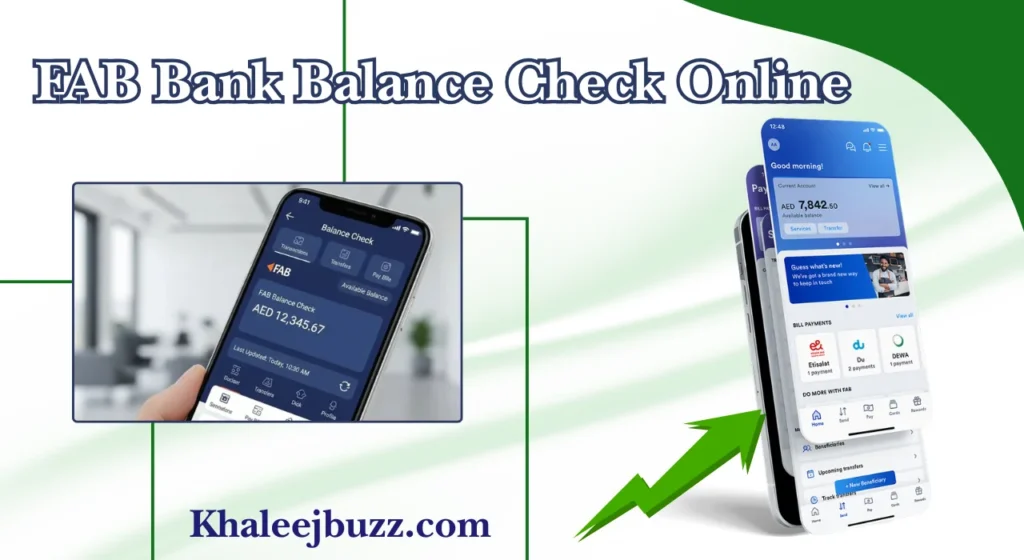
FAB Mobile lets customers view balances and manage accounts and cards from their phones.
What Is FAB Bank Balance Check?
FAB Bank balance check means checking the available money in your bank account, salary account, Ratibi card, or eligible prepaid card. The balance can help you confirm salary credits, payments, withdrawals, and other transactions.
Types of FAB Accounts in the UAE
FAB offers different account types for UAE residents and other eligible customers. Your balance-check process may differ according to the product you use.
Current Accounts
A current account is designed for regular banking needs such as receiving income, making payments, withdrawing cash, and transferring money. FAB personal current accounts include debit card access and digital balance checking.
Savings Account Options
Savings accounts are mainly used for keeping money aside while still having access to it. FAB offers personal savings options that can be managed through FAB Mobile, including checking balances and making transfers.
Digital Salary and Prepaid Accounts
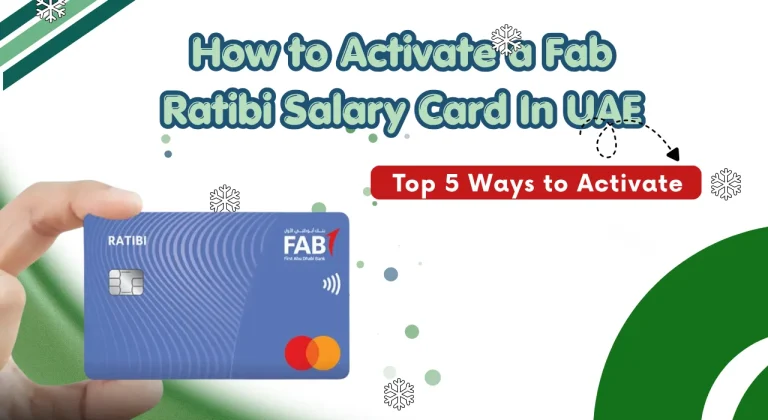
Some employees receive salary through digital salary accounts or prepaid payroll cards. Ratibi is one such payroll solution and can be used without a traditional bank account.
How to Check FAB Bank Balance Online
There are several online options, but the correct method depends on whether you have a normal FAB account or a prepaid salary card.
FAB Bank Check Balance Online Using the Official Website
Regular account customers can use FAB’s secure online banking service to view account information. Always use the official banking website rather than a link received from an unknown message.
Steps to Check FAB Balance Online
- Open the official FAB website.
- Select the online banking login option.
- Enter your registered login details.
- Complete any security verification requested.
- Open your account dashboard.
- Check the available balance and recent transactions.
FAB Bank Balance Check Using the Mobile App
FAB Mobile is the bank’s official mobile banking application. It allows customers to manage accounts and cards and check balances from compatible smartphones.
Steps to Check FAB Balance via Mobile App
- Open the FAB Mobile app.
- Sign in securely.
- Go to the account or card section.
- Select the relevant account.
- View the available balance and recent activity.
Benefits of Using the Mobile App
The mobile app is convenient for people who check their balance regularly. It can also help you manage payments, transfers, cards, and other everyday banking needs from one place.
FAB Bank Balance Check via SMS
SMS can be useful for receiving banking alerts, particularly salary and transaction notifications. However, the exact SMS services available can depend on your FAB product and current service setup.
Steps to Check FAB Balance by SMS
If SMS banking is activated for your product, follow the instructions provided by FAB for that service. Do not use SMS codes found on unofficial websites because banking commands can change.
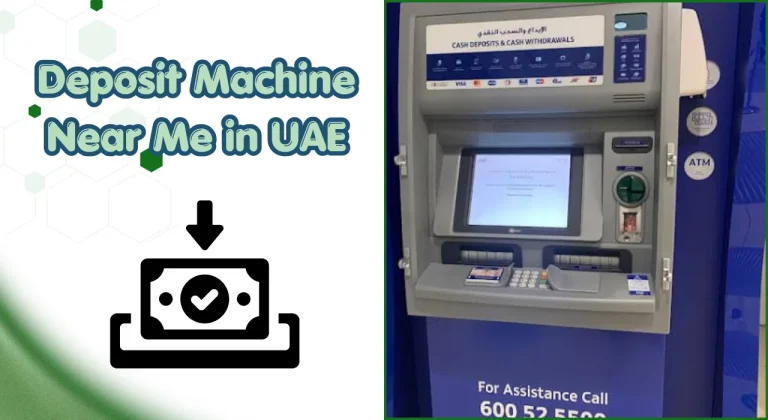
FAB Bank Balance Check at ATM
An ATM is a simple option when you have a working FAB card and PIN.
Steps to Check FAB Balance at an ATM
- Insert or use your FAB card at the ATM.
- Enter your PIN.
- Select balance enquiry.
- Choose the relevant account if requested.
- View the balance on screen or request a receipt.
Benefits of Using an ATM
An ATM does not require mobile data or Wi-Fi. It is also useful if you need to withdraw cash after checking your available balance.
FAB Bank Balance Check Through Customer Care
Customer care can help when digital banking, cards, or balance enquiries are not working as expected.
How to Check FAB Balance via Phone Banking
FAB Bank Salary Account Balance Check Online
Salary customers can check their balance in the same way as other account holders if their salary is credited to a normal FAB bank account.
How to Check Salary Account Balance
Use FAB Mobile or online banking and open the account where your salary is normally credited. Check both the current balance and recent transactions to confirm the salary payment.
Salary Account Balance Check Using the Mobile App
After signing in to FAB Mobile, select the salary account from your accounts list. The available balance and transaction history can help confirm whether the salary has been received.
Salary Account Balance Check at ATM
Insert your card at a suitable ATM, enter your PIN, and select balance enquiry. This is helpful when you do not have internet access.
Salary Balance Check via SMS
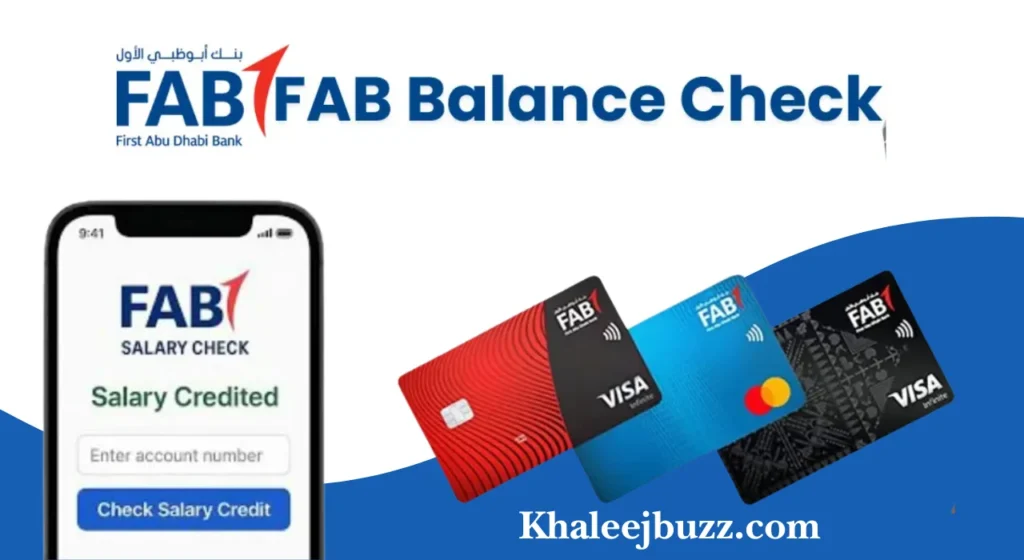
If salary alerts are active on your account or card, you may receive an SMS when the salary is credited. Ratibi, for example, provides free SMS alerts on salary credit.
Why Salary Balance May Not Show Immediately
A salary may take some time to appear in your FAB account or card. Common reasons include:
FAB Prepaid Card and PayPlus Card Balance Check
FAB offers prepaid and digital salary solutions for different customer needs. Payit Plus is a digital salary account that supports direct salary transfers and provides digital payment services.
How to Check FAB Prepaid Card Balance
The correct balance enquiry method depends on the particular prepaid card.
Online Portal Method
For eligible prepaid and Ratibi cards, use the official prepaid card balance enquiry link provided through FAB’s website. The current FAB Ratibi page directs existing cardholders to its prepaid card balance enquiry service.
Mobile App Method
Where the card is supported, use FAB Mobile or the relevant FAB digital service. Sign in and select the card to view available funds.
Exchange House Method
Some salary and prepaid card services may work with exchange-house channels. Availability depends on the card and service provider, so confirm the option before relying on it.
Benefits of FAB Prepaid and PayPlus Cards
These products can provide convenient salary receipt, digital payments, transfers, and card-based spending without requiring every customer to use a traditional current account.
FAB Ratibi Card vs Prepaid Card vs Salary Account
| Feature | Ratibi Card | Prepaid Card | Salary Account |
| Traditional bank account | Not required | Depends on product | Usually yes |
| Salary use | Yes | Some cards | Yes |
| ATM access | Yes | Depends on card | Yes |
| Mobile banking | Depends on service | Depends on product | Yes |
| Balance enquiry | Portal, ATM, alerts | Product-specific | App, online, ATM |
The main difference is how the money is held and accessed. Always check the terms of your specific card or account.
FAB Balance Check Through UAE Exchange Houses
Exchange houses can be useful for some salary payment and card services, but they should not be treated as a universal FAB balance-check method.
Exchange House Balance Enquiry
If you want to check a salary or prepaid card through an exchange house, ask the branch whether your exact FAB card is supported. Take the required card and identification documents if requested.
Lulu Balance Check
For a Lulu-linked salary or prepaid service, use the balance enquiry method provided for that specific card. Do not assume that every FAB account can be checked through the exchange house.
Al Ansari Exchange Balance Check
Customers using an eligible salary or prepaid service may ask whether balance enquiry is supported at an Al Ansari Exchange branch. Availability can vary by card and service.
Al Rostamani Exchange Balance Check
The same rule applies to Al Rostamani Exchange. Confirm that your particular salary or prepaid card is supported before visiting a branch for balance enquiry.
FAB Online Banking and Balance Management
Digital banking makes it easier to keep track of money without visiting a branch.
How Online Banking Helps You Manage Money
Regular balance checks can help you monitor salary credits, rent payments, utility bills, card spending, transfers, and other expenses. FAB Mobile also supports account and card management.
Benefits of Regular FAB Balance Checks
Checking your balance regularly can help you:
Tips for a Smooth Balance Check
Keep your registered mobile number updated, use a secure internet connection, update your banking app, and keep your card details private.
FAB Online vs ATM vs SMS vs Phone Banking
| Method | Speed | Internet | Best use |
| Mobile app | Fast | Yes | Everyday checking |
| Online banking | Fast | Yes | Detailed account management |
| ATM | Fast | No | Balance and cash |
| SMS | Fast for alerts | No | Salary notifications |
| Phone banking | Depends | No | Support and account issues |
For regular account customers, FAB Mobile is usually the most convenient choice. For Ratibi users, the dedicated prepaid enquiry service can be more suitable.
Common FAB Balance Check Issues
Balance enquiries can sometimes fail because of login problems, card issues, service interruptions, or delayed salary processing.
| Issue | Simple Solution |
| Balance Not Showing | Check the correct account or card and review recent transactions. Allow some time for pending payments or salary credits. |
| Online Banking Login Not Working | Check your login details and use the official recovery or Forgot PIN option. |
| SMS Balance Enquiry Not Received | Check your registered mobile number and make sure SMS alerts are active. |
| Card Balance Check Not Working | Check your card details and make sure the card is active. Contact FAB if the issue continues. |
| ATM Card Declined | Try another ATM and check whether your card is active and your PIN is correct. |
| Salary Credited but Cash Withdrawal Fails | Check your card status, withdrawal limit, PIN, and ATM availability. |
| Issue Still Not Resolved | Try another official FAB banking channel or contact FAB customer care for help. |
FAB Salary and Prepaid Card Security Tips
Banking details should be treated as private information. This is especially important when checking salary or prepaid card balances online.
Important Safety Guidelines
Never share your PIN, password, OTP, full card details, or banking login information with another person. FAB specifically warns customers not to share account details or OTPs with people pretending to represent the bank.
Also avoid entering banking details into links received through unexpected SMS, email, WhatsApp messages, or social media posts.
When to Contact Customer Care
Contact customer care if your balance remains incorrect, your salary has been confirmed by your employer but is missing, your card is blocked, or you cannot access digital banking.
Quick Customer Care Checklist
Before calling, keep these details ready:
FAB lists its UAE contact centre as 600 52 5500 and its international number as +971 2 681 1511.
Conclusion
A FAB Bank balance check can be completed in several ways, depending on your account or card. FAB Mobile is convenient for regular bank accounts, while ATMs provide a simple offline option. Salary and Ratibi card users should use the balance enquiry method that matches their specific card.
If your salary is missing, check the transaction status first and confirm payroll processing with your employer.
FAQs
How do I check my FAB balance online?
For a normal bank account, sign in to FAB Mobile or online banking and select your account. For an eligible prepaid card, use the prepaid card enquiry service provided by FAB.
How do I check my FAB balance by SMS?
SMS availability depends on your FAB product and the service activated on your account or card. Ratibi customers receive SMS alerts when salary is credited.
Is FAB balance checking free?
Many standard balance-check options are available as part of digital or ATM banking, but charges can depend on the account, card, transaction type, or service.
How can I check my FAB salary account balance?
Use FAB Mobile, online banking, an ATM, or an approved balance enquiry service depending on whether your salary is held in a normal account or prepaid payroll card.
How can I perform a Ratibi balance check?
Use the Ratibi prepaid card balance enquiry service linked from FAB’s official Ratibi page, or use a supported ATM. FAB confirms that existing Ratibi cardholders can access a dedicated balance enquiry service.
Can I check my FAB balance outside the UAE?
Yes. FAB says customers can use FAB Mobile outside the UAE when they have Wi-Fi or suitable roaming data access.